
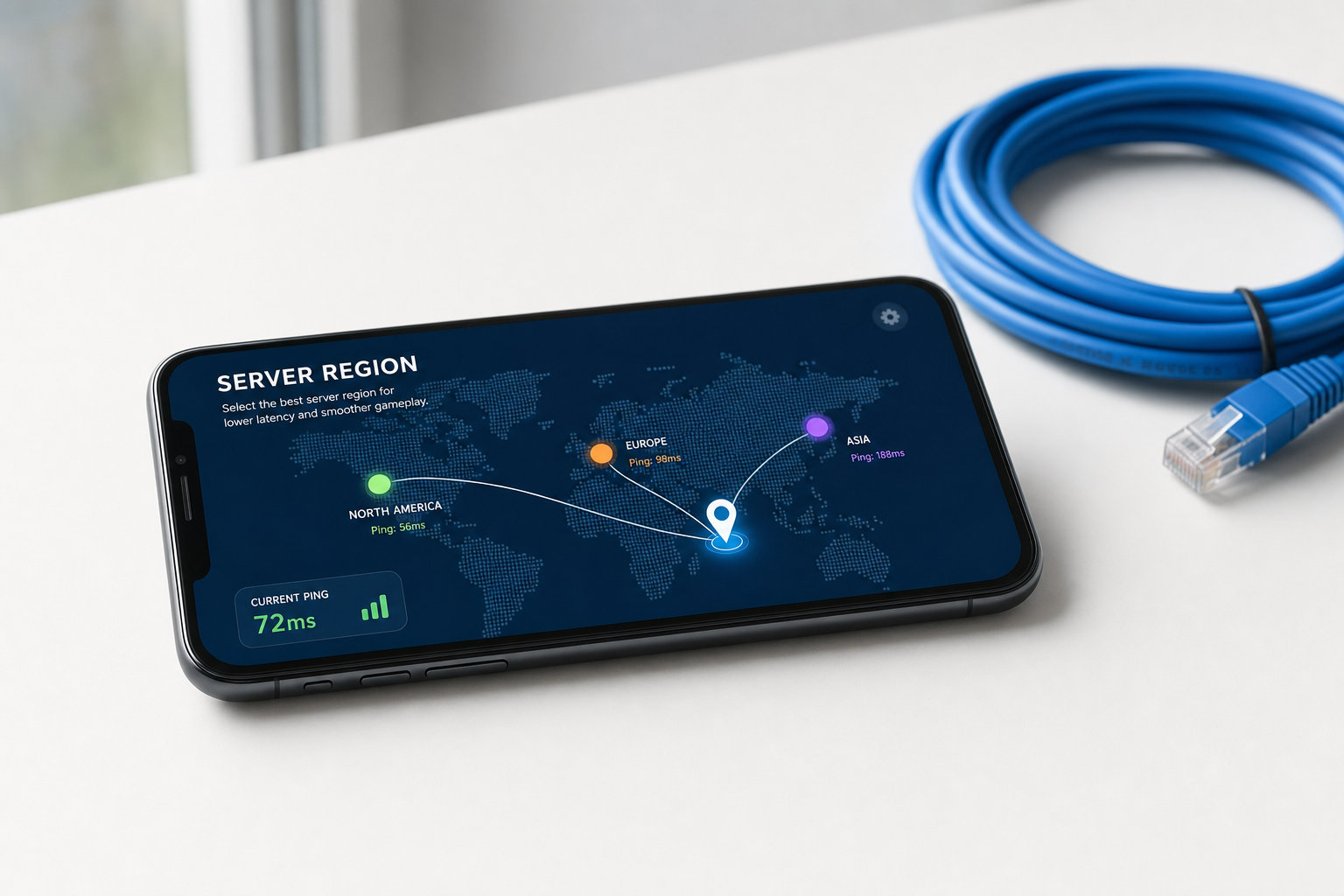
Server region can shape almost every part of your mobile gaming experience. A poor regional match can mean higher ping, slower matchmaking, and access to a different player pool. Understanding how games use network data helps you make sense of lag, queue times, and unexpected region changes.
Many mobile games decide where to place you before you ever start your first match. One of the strongest signals in that decision is your ip address, which helps the game estimate where your connection is coming from. That estimate is useful, but it is not perfect, especially on mobile networks or public Wi Fi. If your assigned region feels wrong, the reason is often tied to how your connection appears online rather than where you are standing.
Why region matters in everyday play
Your server region decides which data center handles your matches, and that directly affects responsiveness. When the chosen server is near you, your commands travel a shorter route and usually return faster. In shooters, racing games, and battle royales, that small difference can change how accurate aiming, movement, or timing feels. A low ping connection makes inputs feel immediate instead of delayed. Even in slower strategy or card games, a stable route reduces interruptions and reconnects. That is why region selection matters long before you think about rankings or rewards.
Region also shapes who you play with and how long you wait in queue. Games usually build matches from nearby players to keep connection quality more consistent for everyone involved. If you land in a region with fewer active users, the game may take longer to find a lobby or widen its skill limits. A different region can also affect event timing, store offers, or testing phases for new features. Some publishers roll out content in stages, so one region may receive a patch earlier than another. For players who follow updates closely, that can be as noticeable as ping itself.
How games decide where to place you
When you open a mobile game for the first time, it often checks your network identity before anything else. The game compares your visible connection details with geo databases that estimate the country, city, or broader area linked to that address. From there, it assigns a default region that should offer acceptable performance. Account settings can influence the result, especially if you previously selected a language or country during sign up. Device region settings may support that guess, but they usually do not replace network detection. For most developers, IP based placement is quick, cheap, and easy to automate at scale.
That process works well most of the time, yet mobile connections add a layer of uncertainty. Carriers often route traffic through centralized gateways that may sit in another city or even another region. Public Wi Fi can also report a location that reflects the service provider rather than your exact position. If you travel, your game may keep an older region temporarily because some apps cache previous server choices. Hotspots and VPN use complicate things even more because they change the apparent origin of your traffic. As a result, two people sitting side by side can still be assigned to different server groups.
What changes when the assigned region is wrong
The clearest sign of a bad assignment is higher latency. If your data must cross a longer route to reach the game server, actions such as firing, dodging, or switching targets may register a fraction later than expected. That delay may be minor in casual play, but it becomes obvious in ranked matches where reactions decide outcomes. You might also notice brief lag spikes, rubber banding, or voice chat instability. Many players first blame their phone, but the issue often starts with distance and routing rather than device performance. A server that looks close on paper can still perform poorly if the path to it is congested.
Wrong region placement also changes your broader experience in less obvious ways. Matchmaking can pull from a different competitive environment, which affects lobby difficulty and team communication. Regional events, offers, or moderation policies may not match what your local friends are seeing. If the game has region locks, you may be unable to join certain teammates until your assignment updates. Some titles let you switch manually, while others keep the choice fixed to protect fairness or simplify support. When a game includes a latency test, use that tool instead of assuming the nearest map label is always the best option.
Ways to troubleshoot and improve server placement
If your mobile game keeps placing you in the wrong region, start with the simplest network checks. Reconnect to your home Wi Fi, toggle mobile data off and on, or restart the game so it can refresh its connection details. If you recently traveled, give the app time to update cached information after you return. Compare game performance on different networks because one carrier or router may route traffic far less efficiently than another. Avoid public hotspots when playing competitive matches, since they often add instability and confusing location signals. Those small steps can solve many region problems without changing anything in your account.
It also helps to separate region issues from general internet issues. If every server shows high ping, the problem may be temporary congestion on your provider rather than a bad assignment. If only one region behaves badly, routing to that data center may be inefficient even if it is geographically closest. Some players assume the nearest server is always the right answer, but network paths do not follow a straight line. Checking your connection details and testing several in game options gives you a clearer picture of what is happening. Once you understand how your visible network location affects placement, region changes feel less mysterious and easier to manage.
