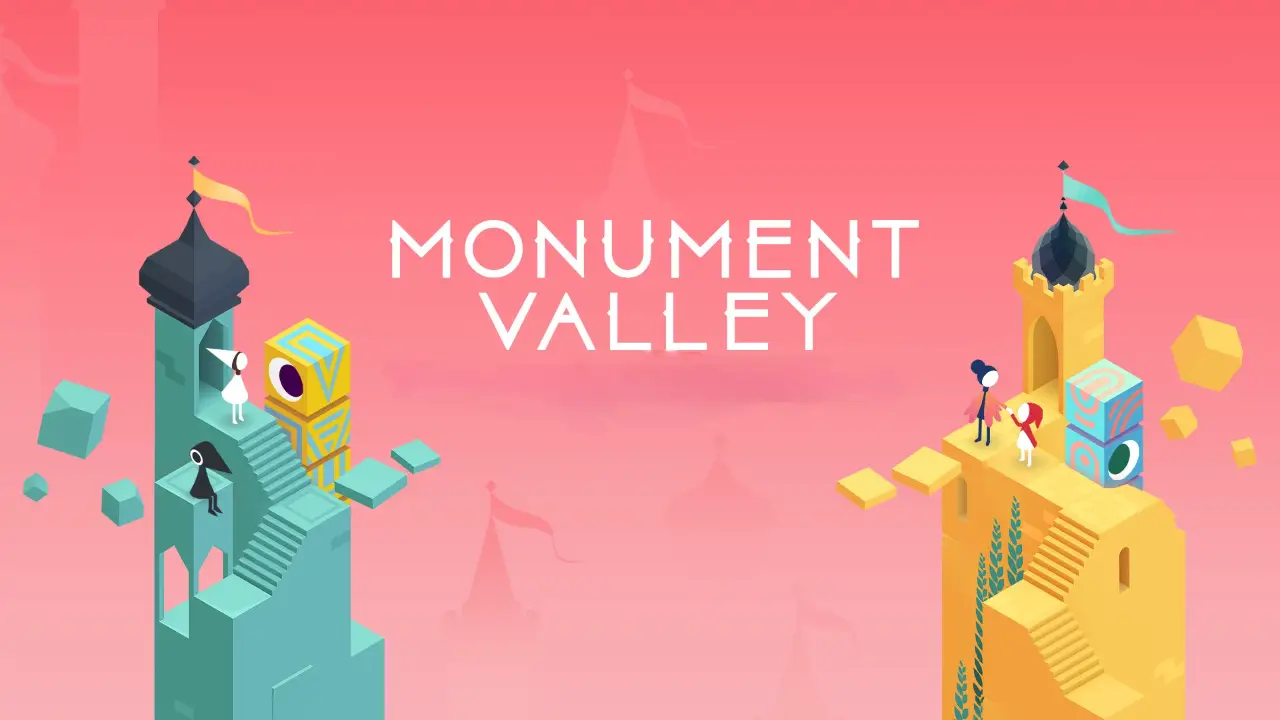
The Epic Games Store Mobile has released two of the most acclaimed games in mobile history for free claiming: Monument Valley and Monument Valley II.
The promotion is already live and allows players to add the titles to their library permanently, at no cost.
The initiative is part of Epic Games’ special end-of-year campaign, which has also been giving away free games daily on PC.
On mobile, this time the offer comes as a double feature and includes two true classics of the puzzle genre, known for their artistic visuals and minimalist soundtrack.
Games can be claimed until January 1
Both titles are available to claim until January 1 at 1:00 PM (Brasília time). After adding the games to your account, they remain permanently linked to your library, even after the promotion ends.
The claiming process follows the store’s standard flow on mobile: simply access the Epic Games Store Mobile, find the free games section, and tap Get.
The offer is valid for Android and iOS devices.
What are the Monument Valley games?

Originally released in 2014, Monument Valley is a puzzle game that challenges players to manipulate environments based on impossible geometry and optical illusions. The story follows the silent princess Ida on a journey through mysterious monuments, as players reveal hidden paths and overcome unique visual challenges.
The title became well known for its artistic style inspired by the works of M.C. Escher, as well as its delicate sound design and contemplative experience, which breaks away from traditional mobile game standards.
Monument Valley II expands on the original concept by presenting a more emotional narrative. This time, players follow a mother and her child on a journey that explores themes such as connection, learning, and growth.
The sequel introduces new types of puzzles, even more creative paths, and a natural evolution of the so-called “sacred geometry,” while maintaining the same artistic care that earned the franchise major awards, such as the BAFTA.
How to access the Epic Games Store Mobile on Android and iOS
To claim Monument Valley and Monument Valley II for free, you need to access the Epic Games Store in its mobile version. The process is simple, but it varies slightly depending on the operating system.
On Android
On Android, the Epic Games Store Mobile works as a standalone app. To access it:
- Visit the official Epic Games website using your phone’s browser;
- Download the Epic Games Store Mobile APK;
- Allow installation of apps from external sources if prompted;
- Open the app and sign in with your Epic Games account;
- Go to the free games tab and tap Get to claim the titles.
After claiming them, the games are linked to your account and can be downloaded anytime.
On iOS (iPhone and iPad)
On iOS, access is done via the browser, as the store does not have a dedicated app on the App Store:
- Open Safari or another browser of your choice;
- Go to the official Epic Games website;
- Sign in to your account;
- Navigate to the Epic Games Store Mobile section;
- Find the free games and tap Get.
Just like on Android, once claimed, the games remain permanently saved in your library, even after the promotion ends.
Post Relacionados: